One useful view
Bring the information needed for one decision or workflow into a focused screen.
Custom tools & dashboards
A focused internal tool can make intake, status, calculations, records, and next actions easier to see without forcing the business into oversized generic software.
Best first fit: one small team, workflow, review process, calculation, or reporting need with a visible finish line.
Quick answer
The most important information should become easier to find, understand, and act on.
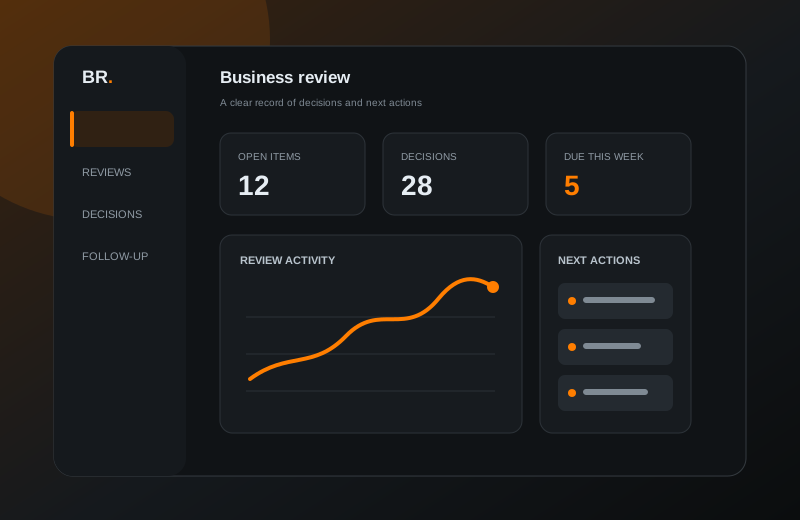
Bring the information needed for one decision or workflow into a focused screen.
Show what is new, waiting, complete, or in need of attention.
Make ownership and follow-up easier to understand instead of relying on memory.
Recognizable situations
Illustrative use cases, not claims about deployed customer systems.
Intake arrives through notes, email, and disconnected spreadsheets.
One form and review screen collect the agreed information consistently.
Follow-up depends on remembering what changed and who owns it.
Status, ownership, and the next action are visible together.
A repeated estimate or comparison is rebuilt by hand.
A guided tool shows the inputs, calculation, and result in one place.
The deliverable
The first version should solve one understandable problem and stay reviewable.
Choose the users, data, actions, and finish line.
Shape the primary screen around the real workflow.
Implement the agreed behavior with realistic examples.
Deliver the tool, files, and plain-English notes.
Starting scope
Larger ideas can start with a smaller first phase after the core need is understood.
Custom-tool questions
Open the questions that apply to your process.
Usually not. A strong starter tool focuses on one gap, review process, or repeated decision rather than replacing several systems.
Possibly, depending on the format, quality, permissions, and sensitivity. Those constraints are reviewed before the scope is approved.
No. It is a private local concept with verified local tests and interface behavior, not a deployed customer claim.
Describe where the information lives today, who uses it, and what they need to decide or do next.
Start a custom-tool inquiry